> For the complete documentation index, see [llms.txt](https://docs.talentlayer.org/llms.txt). Markdown versions of documentation pages are available by appending `.md` to page URLs; this page is available as [Markdown](https://docs.talentlayer.org/technical-guides/lower-level-guides/graph-schema/introduction.md).
# Introduction
## Exploring the Subgraph
### Subgraph link
* [**Polygon Mumbai Testnet**](https://api.thegraph.com/subgraphs/name/talentlayer/talent-layer-mumbai)
* [**Polygon mainnet**](https://api.thegraph.com/subgraphs/name/talentlayer/talentlayer-polygon)
### Playground Link
{% hint style="info" %}
To ensure that your queries are working properly before using them in your project, you can use the Graph playground below.
{% endhint %}
* [**Polygon Mumbai playground**](https://thegraph.com/hosted-service/subgraph/talentlayer/talent-layer-mumbai)
* [**Polygon mainnet pLayground**](https://thegraph.com/hosted-service/subgraph/talentlayer/talentlayer-polygon)
Please check the demo video just below\
[how to test queries with The Graph Playground](https://loom.com/share/a95f65ebe9da4bd1908ca6aacf0b765b)
{% hint style="info" %}
Using the playground, you can create and save your own graphQL queries and try out the default queries **we provide to get you up and running!**
{% endhint %}
{% hint style="info" %}
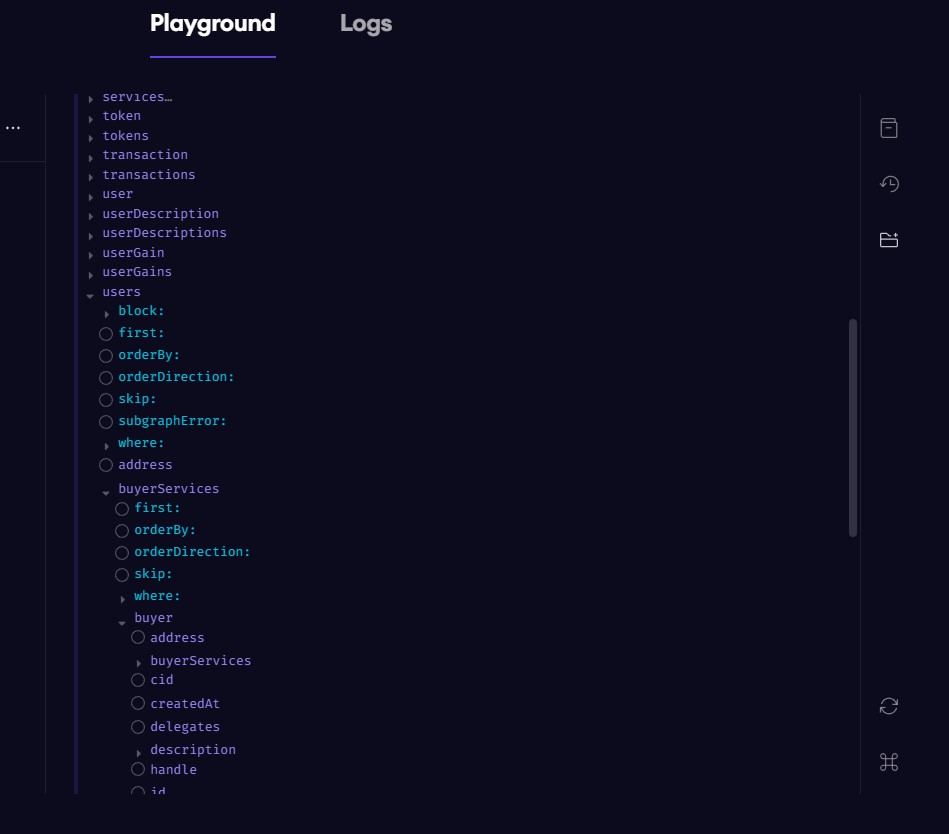
On the right-hand side, you have access to some neat functionality that will help you explore the subgraph. Check out **GraphQL Explorer** as well as **Documentation Explorer** to create customized queries on the fly!
{% endhint %}
### **An Introduction to Writing GraphQL Queries for the Talent Layer Subgraph**
The most commonly used entities have a related description entity that stores the off-chain data hosted on [IPFS](https://www.ipfs.com/).
| On-chain Entity | Off-chain Entity |
| --------------- | ------------------- |
| Service | ServiceDescription |
| Proposal | ProposalDescription |
| Review | ReviewDescription |
| User | UserDescription |
| Platform | PlatformDescription |
The off-chain entity that is related to an on-chain entity can be accessed through the field description. Here is an example of what the relationship looks like in GraphQL.
```graphql
{
services {
id
description {
id
}
}
}gr
```
{% hint style="info" %}
This same pattern can be applied to other entities by simply changing **services** to either **users, proposals, reviews,** or **platforms.**
{% endhint %}